
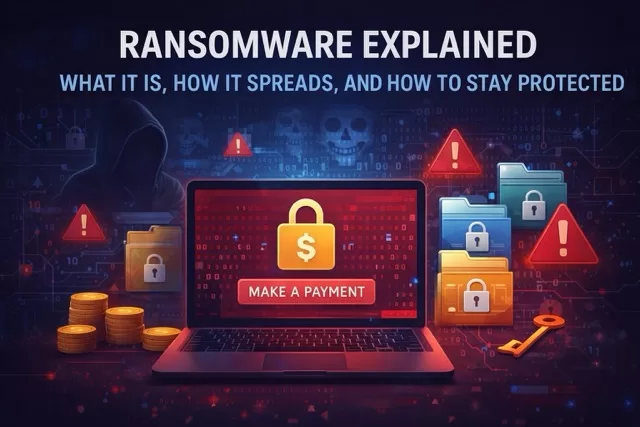
Ransomware is one of the most damaging cyber threats facing individuals, families, schools, and small businesses today. A single attack can lock you out of your files, disrupt daily life, and put sensitive information at risk.
Understanding how ransomware works—and how to defend against it—is essential for staying safe online.
What Is Ransomware?
Ransomware is a type of malicious software that encrypts your files or locks your device, then demands payment to restore access. Attackers usually request payment in cryptocurrency to make it harder to trace.
Even if you pay, there is no guarantee your data will be recovered.
How Ransomware Spreads
Ransomware doesn’t appear out of nowhere. It usually enters systems through common online activities:
- Phishing emails with malicious attachments or links
- Fake software updates or downloads
- Compromised websites or malicious ads
- Weak or reused passwords
- Unpatched systems with known vulnerabilities
One careless click can be enough to trigger an infection.
Common Types of Ransomware
- Crypto ransomware: Encrypts files and demands payment for a decryption key
- Locker ransomware: Locks you out of your device entirely
- Double extortion ransomware: Steals data first, then threatens to leak it if the ransom isn’t paid
These attacks target individuals, hospitals, schools, and even government agencies.
Warning Signs of a Ransomware Attack
- Files suddenly become inaccessible or have strange extensions
- A ransom note appears on your screen
- Your computer slows down or freezes unexpectedly
- Security software is disabled without your knowledge
If you notice these signs, disconnect from the internet immediately.
How to Protect Yourself from Ransomware
1. Back Up Your Data Regularly
Keep offline or cloud backups of important files. If ransomware strikes, backups can save you from paying attackers.
2. Be Careful with Emails
Don’t open attachments or click links from unknown or suspicious senders. Verify before you trust.
3. Keep Software Updated
Updates patch security holes that ransomware exploits. Enable automatic updates whenever possible.
4. Use Strong Passwords and MFA
Unique passwords and multi-factor authentication prevent attackers from gaining access to your systems.
5. Install Security Software
Use reputable antivirus and anti-malware tools and keep them up to date.
6. Secure Your Wi-Fi Network
Use strong encryption, change default router passwords, and create a guest network for visitors.
What to Do If You’re Hit by Ransomware
- Disconnect from the internet immediately
- Do not pay the ransom
- Run a malware scan
- Restore files from backups if available
- Report the incident to local authorities or cybersecurity organizations
Acting quickly can reduce damage and prevent further spread.
Ransomware and Families
Ransomware isn’t just a business problem—it affects families too. Children downloading games, clicking ads, or opening unknown emails can unknowingly introduce ransomware into home devices. Teaching basic cyber safety habits is a powerful defense.
SafeTechGuide
Ransomware is a serious threat, but it’s also preventable. With awareness, good habits, and layered security, you can dramatically reduce your risk and protect your digital life.
Leave a Reply
You must be logged in to post a comment.