
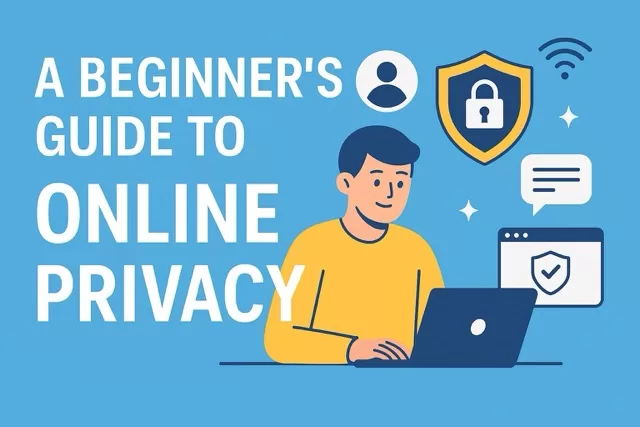
In today’s connected world, nearly everything we do—shopping, banking, working, or even chatting with friends—happens online. While the internet makes life more convenient, it also exposes us to risks like identity theft, surveillance, and scams. That’s why protecting your online privacy is more important than ever.
If you’re new to digital safety, this guide will walk you through the basics of keeping your information private.
1. Use Strong, Unique Passwords
- Avoid reusing the same password across multiple sites.
- Create strong passwords with a mix of letters, numbers, and symbols.
- Consider using a password manager to generate and store them securely.
2. Turn On Two-Factor Authentication (2FA)
Adding a second layer of security—like a code sent to your phone or an authenticator app—makes it much harder for hackers to break into your accounts, even if they have your password.
3. Be Careful with Public Wi-Fi
Free Wi-Fi in coffee shops and airports is convenient, but often unsafe. Criminals can intercept your data on unsecured networks.
- Use a VPN (Virtual Private Network) to encrypt your connection.
- Avoid logging into sensitive accounts (like banking) on public Wi-Fi.
4. Adjust Privacy Settings on Social Media
Social platforms collect a lot of personal information. Review your account settings to limit what’s shared publicly and with third parties. Only share what’s necessary.
5. Watch Out for Phishing Scams
Fraudulent emails, texts, and calls are designed to trick you into giving away personal information. Always double-check links, attachments, and sender details before clicking or responding.
6. Limit Data Collection
- Don’t overshare personal details online (like birthdays, addresses, or phone numbers).
- Use privacy-focused browsers or search engines (such as Firefox or DuckDuckGo).
- Regularly clear cookies and browsing history.
7. Keep Your Devices Updated
Software updates often include critical security patches. Make sure your phone, computer, and apps are updated regularly to stay protected.
8. Use Security Tools
- Install antivirus software to guard against malware.
- Consider ad blockers and anti-tracking extensions to prevent companies from following your browsing habits.
Quick Privacy Checklist for Beginners
✅ Strong, unique passwords
✅ Two-Factor Authentication
✅ VPN on public Wi-Fi
✅ Adjusted social media settings
✅ Awareness of phishing scams
✅ Regular software updates
SafeTechGuide
Online privacy doesn’t have to be complicated. By taking a few simple steps, you can dramatically reduce your risk and take control of your digital life. Start with the basics today, and your future self will thank you.
✅ Next Step: Want to learn more about protecting yourself online? Check out our Cookies and Privacy post for practical strategies to safeguard your digital life.