
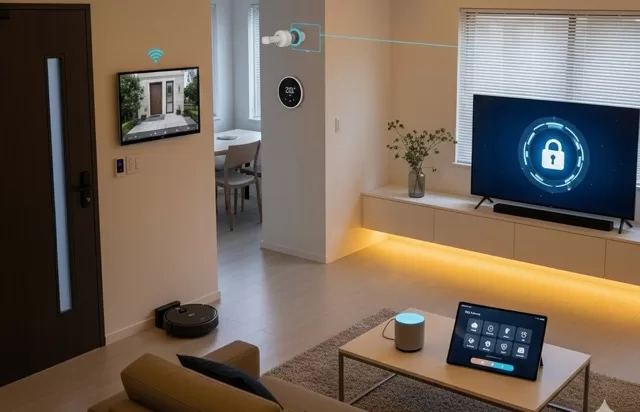
From smart speakers and security cameras to connected thermostats and light bulbs, the Internet of Things (IoT) has transformed modern homes. These devices make life more convenient—but they also open new doors for cybercriminals.
If your smart home isn’t properly secured, hackers could spy on you, steal personal information, or even take control of your devices. The good news? With a few simple steps, you can keep your connected home safe.
Why IoT Devices Can Be Risky
- Weak default passwords: Many smart devices come with easily guessed login credentials.
- Lack of updates: Some devices don’t receive regular security patches.
- Always-on connectivity: The more devices online, the more entry points for attackers.
- Data collection: Many IoT devices gather personal data that could be exposed if hacked.
Steps to Secure Your Smart Home
1. Change Default Passwords Immediately
- Use strong, unique passwords for every device.
- Consider a password manager to keep track of them.
2. Keep Devices Updated
- Regularly check for firmware updates.
- Enable automatic updates if available to patch security flaws quickly.
3. Use a Separate Wi-Fi Network for IoT Devices
- Create a guest network or secondary network just for smart devices.
- Keep your phones, laptops, and personal data on a different network.
4. Enable Encryption and Strong Wi-Fi Security
- Make sure your router uses WPA3 (or at least WPA2) encryption.
- Disable outdated security like WEP.
5. Disable Unnecessary Features
- Turn off remote access, microphones, or cameras when you don’t need them.
- Review the device’s privacy settings to limit data collection.
6. Monitor Your Network
- Use your router’s dashboard or a security app to see which devices are connected.
- Watch for unfamiliar devices—this could be a sign someone has gained access.
7. Buy from Trusted Brands
- Stick to companies that regularly update their devices and have a good track record with security.
- Avoid ultra-cheap, no-name brands that may cut corners on safety.
Extra Smart Home Security Tips
- Use Two-Factor Authentication (2FA) when available for smart home apps.
- Set up firewall protection on your router.
- Consider investing in a smart home security hub for centralized protection.
✅ SafeTechGuide: IoT devices can make your home smarter and more efficient—but they also come with risks. By changing default settings, updating software, and separating networks, you can enjoy the convenience of smart tech without sacrificing your security.
Leave a Reply
You must be logged in to post a comment.