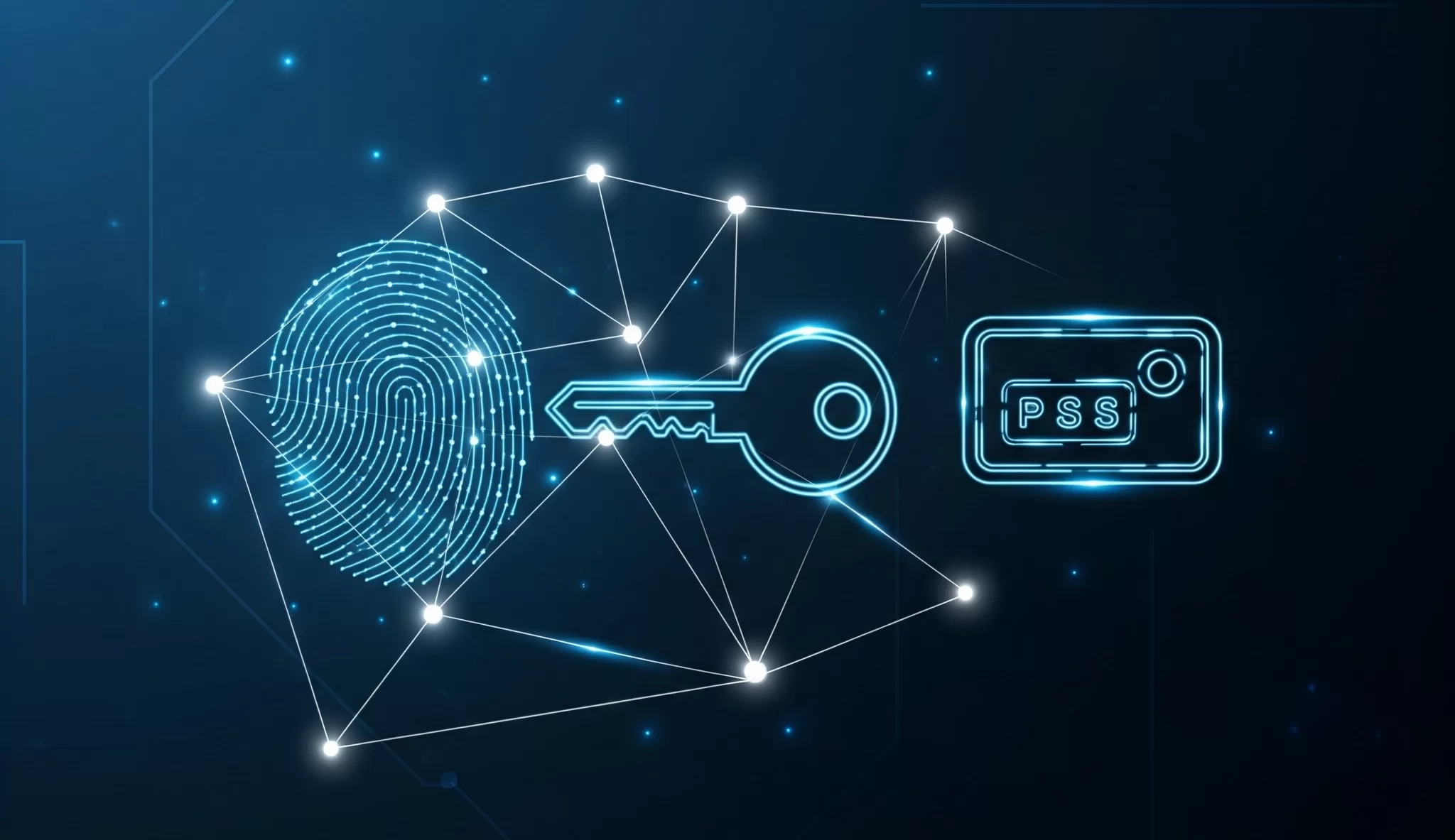
Passwords have been the default way of securing accounts for decades—but let’s face it, they’re outdated, often weak, and too easy to steal. Cybercriminals thrive on poor password practices, and even strong passwords can fall victim to phishing or data breaches.
Thankfully, a new generation of login technologies is here to replace passwords with safer, easier, and more reliable options: passkeys, biometrics, and hardware security keys.
In this guide, we’ll break down what they are, how they work, and why you might want to start using them today.
🔑 Passkeys: The Password Replacement
Passkeys are a new standard developed by major tech companies like Apple, Google, and Microsoft. Instead of typing a password, you log in with your device using cryptographic keys stored securely.
How it works:
- When you sign into an app or website, your phone or computer generates a unique digital key.
- That key stays on your device and can’t be guessed or stolen like a password.
- You confirm the login using biometrics (like Face ID or a fingerprint) or a PIN.
Why it’s better:
✔ No passwords to remember
✔ Resistant to phishing attacks
✔ Works across devices synced to your account
Passkeys are already rolling out on major platforms, and they’re expected to become the new standard for online authentication.
👆 Biometrics: Your Body as the Key
Biometric authentication uses unique physical traits—like your fingerprint, face, or even your voice—to unlock devices and accounts. You’re probably already using biometrics every day without realizing it.
Common examples:
- Fingerprint unlock on smartphones
- Face ID on iPhones
- Windows Hello facial recognition on PCs
Pros:
✔ Fast and convenient
✔ Hard to fake (though not impossible)
✔ Already built into most modern devices
Things to consider:
- Biometric data must be stored securely (usually on your device, not in the cloud).
- Some systems may have trouble recognizing you if your appearance changes (e.g., wearing glasses, face masks).
🔐 Security Keys: Physical Defense Against Hackers
Security keys are small USB or NFC devices (like a digital keychain) that you plug into your computer or tap on your phone to confirm your identity. Popular brands include YubiKey and Google Titan Security Key.
Why they’re powerful:
- Provide the highest level of protection against phishing and account takeovers
- Even if a hacker knows your password, they can’t log in without the key in your possession
- Widely used by security professionals, journalists, and businesses protecting sensitive accounts
Downsides:
- You need to buy and carry one with you
- Losing the key means you’ll need a backup login method
🛡 Which One Should You Use?
- For everyday users: Start with passkeys and biometrics—they’re built into your devices and easy to use.
- For extra-sensitive accounts (email, banking, business): Add a security key for maximum protection.
- For families: Teach kids and parents alike about passkeys and encourage biometrics instead of reusing weak passwords.
✅ SafeTechGuide
Passwords are on their way out, and that’s a good thing. By adopting passkeys, biometrics, and security keys, you can secure your digital life with tools that are not only stronger than passwords—but also far more convenient.
The future of online security isn’t about remembering dozens of complex passwords. It’s about making your identity harder to steal, and your logins effortless.