
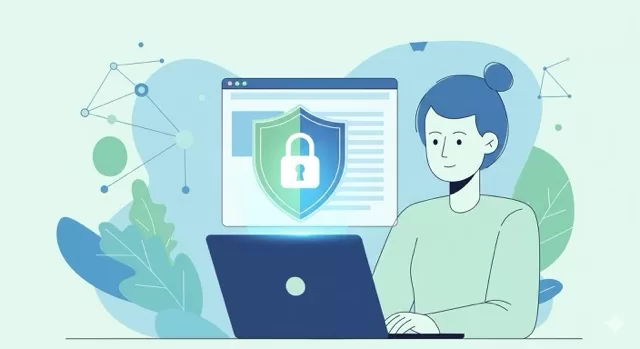
The internet is an amazing tool — but it’s also filled with risks. From phishing scams to hidden trackers, unsafe browsing habits can leave your personal data exposed. The good news? With a few smart steps, you can browse the web with confidence.
This guide covers the essentials of safe browsing in 2025, so you can protect your privacy without slowing down your digital life.
🔒 1. Always Look for HTTPS
Before entering any personal information, check for the padlock icon in your browser’s address bar. This means the site uses HTTPS encryption, keeping your data safe from prying eyes.
👉 Rule of thumb: No padlock, no personal info.
🛡️ 2. Keep Your Browser Up to Date
Browsers like Chrome, Firefox, and Safari regularly release updates to fix security flaws. If you ignore updates, you’re leaving the door open for hackers.
👉 Turn on automatic updates so you’re always protected.
🧩 3. Use Privacy-Focused Tools
Your browser can do more than just surf the web. Add-ons and built-in features can block trackers and malicious sites.
Recommended tools:
- uBlock Origin – blocks intrusive ads and hidden trackers
- Privacy Badger – automatically stops spying scripts
- HTTPS Everywhere – forces secure connections where possible
📧 4. Watch Out for Phishing Links
Phishing emails and fake websites are designed to trick you into giving up your login credentials.
- Double-check the sender’s email address
- Hover over links before clicking
- When in doubt, go directly to the site instead of clicking a link
☕ 5. Be Careful on Public Wi-Fi
Free Wi-Fi at coffee shops or airports is convenient — but often insecure. Hackers can intercept data on open networks.
👉 Use a VPN (Virtual Private Network) to encrypt your traffic when browsing on public Wi-Fi.
🗑️ 6. Clear Cookies and Cache Regularly
Cookies can track your browsing across different sites. Clearing them often reduces profiling and targeted ads.
- Clear browsing data weekly
- Or use private browsing/incognito mode when you don’t want to leave a trail
🔐 7. Use Strong, Unique Passwords
If you use the same password everywhere, a single breach puts all your accounts at risk.
👉 Use a password manager like Bitwarden or 1Password to generate and store strong, unique logins.
🌐 Safe Browsing Is About Habits
Technology can only do so much — safe browsing comes down to the habits you build. By practicing these steps, you’ll minimize your risks while enjoying a safer, smoother online experience.
At SafeTechGuide, we believe that staying secure doesn’t have to be complicated. Start small, stay consistent, and make smart browsing second nature.
✅ Next Step: Download our free guide: 7 Smart Privacy Habits to Protect Yourself in 2025 — and take your online safety to the next level.
Leave a Reply
You must be logged in to post a comment.