
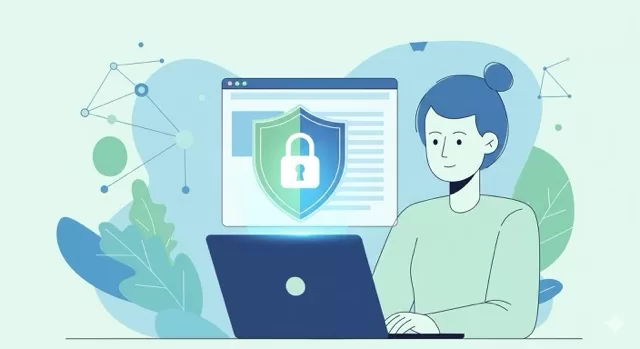
The internet is an amazing tool — but it’s also filled with risks. From phishing scams to hidden trackers, unsafe browsing habits can leave your personal data exposed. The good news is that safe browsing isn’t about mastering complicated technology — it’s about a handful of habits, done consistently.
Here’s the short version. Each one links to a full guide if you want the details.
1. Check for HTTPS Before Entering Anything Personal
Before you type a password or card number, look for the padlock icon and https:// in the address bar. It’s the fastest way to confirm your connection is encrypted before you trust a page with anything sensitive.
👉 Why HTTPS Matters for Your Online Security
2. Lock Down Your Browser Itself
Your default browser settings are rarely your most private option. A privacy-friendly browser, the right extensions, and a few built-in settings do most of the real work of keeping trackers out.
👉 Browser Privacy: Extensions and Settings That Actually Work
3. Learn to Spot Phishing Before It Spots You
Most successful attacks don’t start with a hack — they start with a convincing email or message that gets someone to click. Knowing the handful of tells that give phishing away is one of the highest-leverage skills in online safety.
👉 5 Quick Ways to Spot a Phishing Email
4. Be Extra Careful on Public Wi-Fi
Open networks at coffee shops, airports, and hotels make it easier for someone else on the same connection to intercept unencrypted traffic. A VPN and a little extra caution go a long way here.
👉 Public Wi-Fi Safety: How to Protect Yourself on Airport, Café, and Hotel Networks
5. Use Strong, Unique Passwords — And Turn On 2FA
Reused passwords are one of the most common ways a single breach turns into several. A password manager and two-factor authentication close most of that gap.
👉 Two-Factor Authentication: The Small Step That Makes a Big Difference and Best Password Managers Compared
Safe Browsing Is About Habits
Technology can only do so much — safe browsing comes down to the habits you build. Start with whichever of these feels most relevant to how you use the internet today, and work through the rest when you have time. None of it requires becoming a security expert; it just requires doing it consistently.

Leave a Reply
You must be logged in to post a comment.