
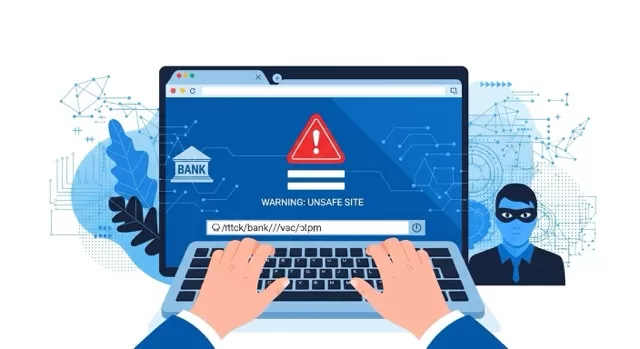
You’ve probably heard of phishing — fake emails and websites designed to trick you into giving away your information. But there’s a lesser-known, more dangerous cousin of phishing called pharming. And in 2025, it’s still one of the most deceptive cyber threats out there.
In this post, we’ll explain what pharming is, how it works, and the steps you can take to protect yourself.
🕵️ What Is Pharming?
Pharming is a cyberattack that redirects you to a fake website — even if you typed in the correct web address.
Unlike phishing, which relies on you clicking a bad link, pharming works in the background by tampering with:
- DNS settings (the system that translates web addresses into IP addresses)
- Your device or router (by changing network configurations)
That means you could type in www.yourbank.com and still land on a fraudulent site designed to steal your login details.
⚠️ Why Pharming Is Dangerous
Pharming is harder to spot than phishing because everything looks normal. You didn’t click a suspicious link — you just browsed as usual. This makes pharming especially dangerous for:
- Online banking and shopping — attackers can steal credit card and login info.
- Personal data — usernames, passwords, and even answers to security questions.
- Businesses — employees may unknowingly give away sensitive company information.
🔍 How to Spot Signs of Pharming
Even though pharming is sneaky, there are warning signs:
- The padlock (HTTPS) is missing from a login page
- The site looks slightly “off” (misspellings, outdated logos, strange formatting)
- Security software warns about a suspicious connection
- Multiple sites suddenly stop working normally
🛡️ How to Protect Yourself from Pharming
The good news: a few smart practices can keep you safe.
- Always check for HTTPS
- Look for the padlock in your browser’s address bar. No padlock = no login.
- Keep your software updated
- Updates fix vulnerabilities that attackers use to hijack DNS.
- Use a reputable antivirus and firewall
- Security software can detect and block malicious redirects.
- Secure your Wi-Fi router
- Change the default password, update firmware, and disable remote management.
- Consider a VPN
- A trusted VPN adds an extra layer of protection by encrypting your DNS requests.
🌐 SafeTechGuide
Pharming is a dangerous online scam because it hides in plain sight. But by building smart browsing habits — and securing your devices — you can dramatically lower your risk.
At SafeTechGuide, our mission is to help you stay one step ahead of cyber threats like pharming.
✅ Next Step: Read our Safe Browsing Guide to learn even more ways to protect your online activity in 2025.
Leave a Reply
You must be logged in to post a comment.