
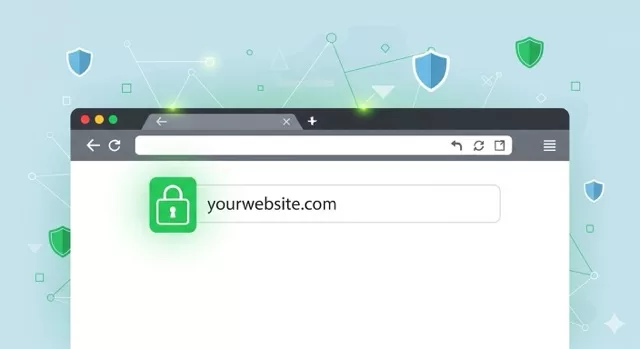
When you browse the internet, every click, search, or login sends data back and forth between your device and a website. The question is: how safe is that data in transit? That’s where HTTPS comes in.
🔒 What Is HTTPS?
HTTPS (Hypertext Transfer Protocol Secure) is the secure version of HTTP, the standard way your browser communicates with websites.
The key difference? Encryption.
- With regular HTTP, your data travels in plain text — anyone snooping on the network (like hackers on public Wi-Fi) could read it.
- With HTTPS, that data is scrambled (encrypted) so only you and the intended website can understand it.
You’ll know a site uses HTTPS if you see:
- A padlock icon in your browser’s address bar
- The URL starting with https:// instead of http://
🛡️ Why HTTPS Protects Your Privacy
Using HTTPS isn’t just about keeping credit card numbers safe. It protects your everyday browsing in several important ways:
- Secures Sensitive Data
- Logins, emails, or payment info are protected from interception.
- Prevents Eavesdropping
- On public Wi-Fi, hackers can no longer spy on your traffic as easily.
- Protects Website Integrity
- Without HTTPS, attackers could inject malicious ads or code into the pages you visit.
- Boosts Trust & SEO
- Google prioritizes HTTPS websites in search rankings, and visitors feel safer interacting with secure sites.
⚠️ What If a Website Doesn’t Use HTTPS?
If you visit a site and see a warning like “Not Secure” in your browser, it means the connection isn’t encrypted. While browsing may still work, you should be cautious:
- Never enter passwords or payment details on non-HTTPS sites.
- If possible, look for alternatives that use HTTPS.
- Sometimes older sites haven’t upgraded — but in 2025, there’s little excuse for websites not to use HTTPS.
✅ How to Stay Safe
- Always check for the padlock before logging in or entering personal info.
- Use a VPN when browsing on public Wi-Fi — it adds another layer of encryption.
- Keep your browser updated — modern browsers enforce stronger HTTPS rules.
🌐 SafeTechGuide
HTTPS is now the standard for a safe, private internet. It ensures your online activity is encrypted, reduces the risk of cyberattacks, and helps you trust the sites you visit.
At SafeTechGuide, we recommend making it a habit: no padlock, no personal info.
✅ Next Step: Want to learn more about online privacy basics? Check out our Safe Browsing Guide to stay protected every time you go online.